
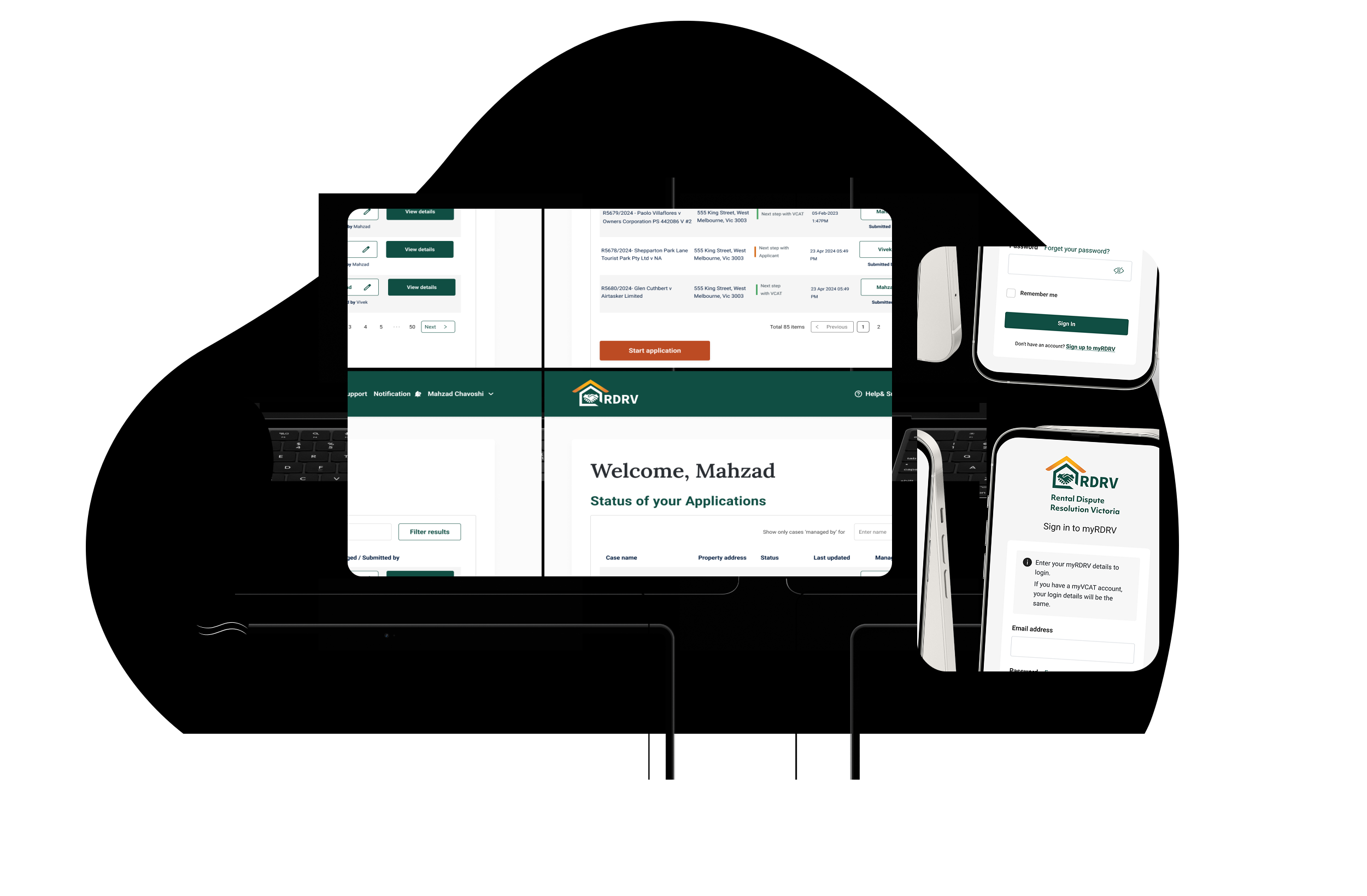
myRDRV is our case management portal. You can use it to create and manage your rental dispute cases with RDRV.
What you can do in myRDRV
You can use myRDRV to submit a new application for bond, compensation, repairs and excessive rent disputes.
You can also:
- View the status of your existing cases.
- Submit documents and evidence.
- View your outstanding tasks.
- View your hearing details (if applicable).
- View any orders issued after a case is resolved or withdrawn.
- Use your organisation’s business account, if it has one, to manage myRDRV cases.
What you cannot do in myRDRV
You cannot use myRDRV to:
- make an application about a rental dispute that is not about bond, compensation, repairs or excessive rent. For all other types of rental disputes, go to VCAT's home rental section.
- generate notices, such as a notice to vacate or a notice to repair. Use myVCAT instead.
How to access myRDRV
You can access myRDRV after you create an account. Once your myRDRV account is active, you can start an application and manage or respond to existing cases.

Are you a real estate agent or lawyer representing a party?
Before you create a myRDRV account, check whether your organisation already has a business account with VCAT or RDRV.
- If your organisation has a business account, ask your business account administrator to add you as a user.
- If your organisation does not have a business account, sign up using your corporate email address as your account ID.
Already have a myVCAT account?
If your myVCAT login email is the same as your current organisation email address, do not create a new account. Use the same login details to access myRDRV.
Your guide to case management on the myRDRV portal
How to track the status of your application
Uploading non-confidential documents to myRDRV
You can use myRDRV to upload documents and images relevant to your application, saving time and eliminating the need to email files to other parties. Documents you may need to upload include:
- Your rental agreement
- Relevant communications: emails, text messages, screenshots of conversations, letters, phone call records
- Supporting evidence: photos of property damage or maintenance issues, receipts for the cost of urgent repairs, inspection reports, reports or notices from Consumer Affairs Victoria, independent assessments from a tradesperson or inspector.
Giving documents to other parties (serving documents)
As part of the resolution process, all parties must receive the exact correspondence.
An applicant MUST provide a copy of the application to everyone else who has been named in the application. During the case resolution process, you might be asked to show evidence of how you have provided the application to the others.
If all parties in a case have a myRDRV account, you can use myRDRV to upload documents which saves you from emailing files to other parties.
If any party mentioned in a case does not have a myRDRV account, you MUST send a copy of the application and all non-confidential documents that you submit through myRDRV to these parties.
When to use VCAT's Residential Tenancies Hub instead of myRDRV
RDRV only supports renters and rental providers to manage disputes across rent increases, repairs and bond and compensation matters.
For other residential tenancy issues, rental providers, renters, rooming house operators and rooming house tenants should continue to use the VCAT Residential Tenancies Hub.